
This tab gives an overview of the individual invoices and batches that have been created within KashFlow RapidFire
A double click on any item listed will return you to that invoice or batch on the relevant tab.
Submitting the Transactions In To KashFlow:
Once you are happy the invoices and batches are correct they can then be uploaded in to KashFlow once you have an internet connection.
Tick the items in the Review screen you wish to upload:
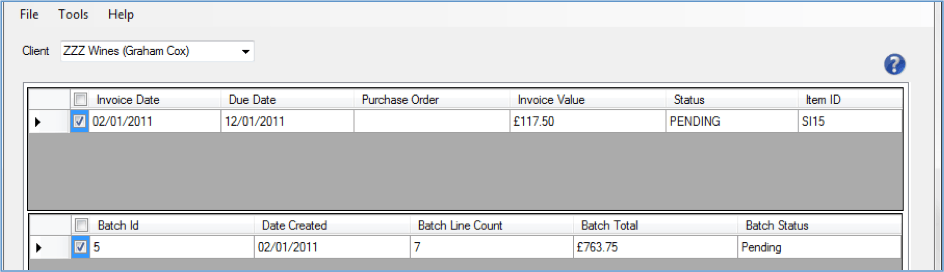
Click the Submit button.
Confirm that you wish to upload the pending Invoices/Receipts:
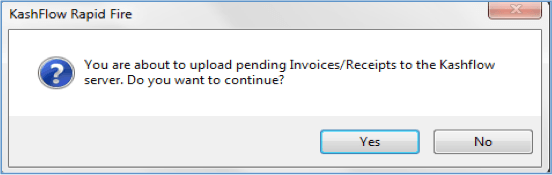
Once you confirm the upload, the transactions will be uploaded in to KashFlow. A success/fail message will be provided depending on the result: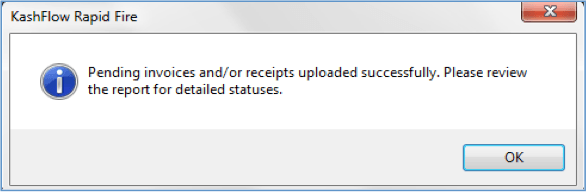
Reviewing the Import
A report will be provided confirming which transactions have been uploaded in to your KashFlow accounts.
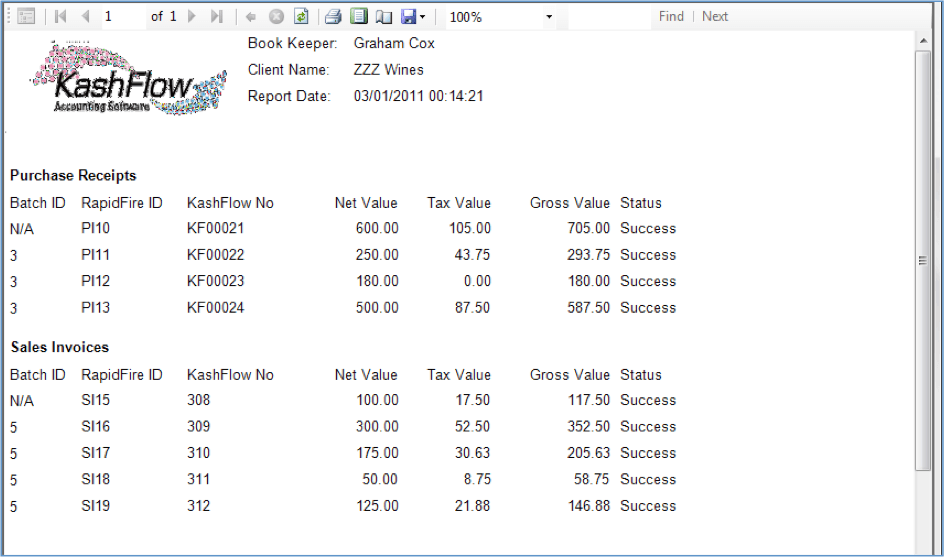
With the status of Success displayed, these transactions will now be viewable within the relevant ledgers and reports in KashFlow.